
Can You Run Meta's Muse Spark Open at Home? What It Really Costs
Muse Spark Open is free to download. Running it on your desk takes two Mac Studios Apple doesn't even sell yet. What open weights mean, what the hardware costs, and the cheap ways to use it instead.
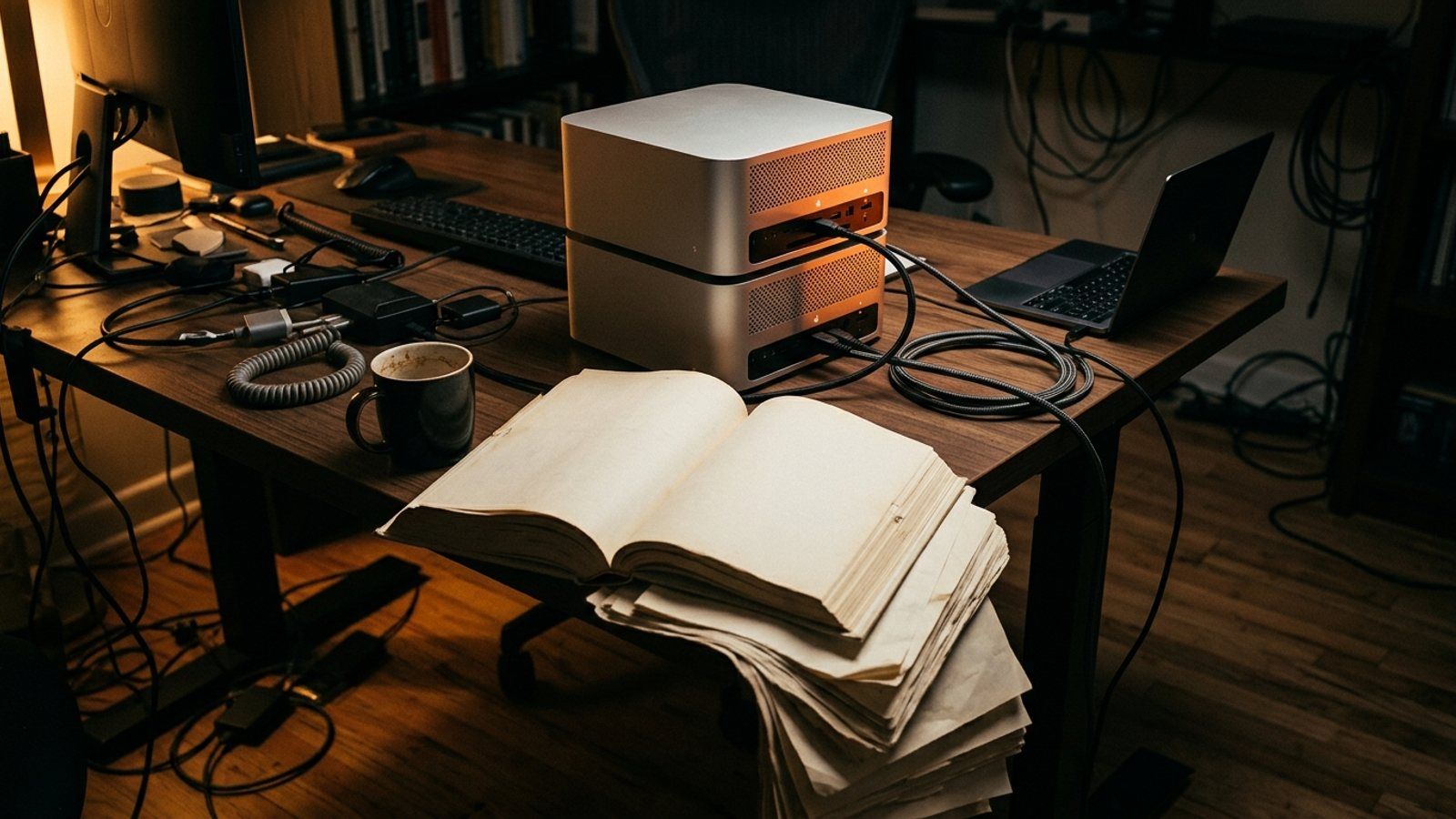
- Meta released Muse Spark Open on October 15: an 816-billion-parameter model you can download for free from Hugging Face, after Meta approves an access form.
- Running it at home takes two M5 Ultra Mac Studios with 512GB of memory each. Apple lists that 512GB option as coming late October with no price; Macworld estimates the pair at over $30,000.
- The easy way in: hosted providers like OpenRouter charge $1.25 per million tokens in and $4.25 per million out, so light use costs a few dollars a month.
- Want local on a normal computer? Meta's smaller Muse Glimmer 30B needs about 17GB of memory and is Apache 2.0.
Muse Spark Open is Meta's free, downloadable 816-billion-parameter AI model, released October 15, 2026. Running it at home takes two M5 Ultra Mac Studios with 512GB of memory each, which Apple hasn't priced yet; Macworld estimates over $30,000. Most people should use it through a hosted provider like OpenRouter, at $1.25 per million input tokens.
Meta just gave away one of the biggest AI models ever released to the public. On October 15 it posted the weights for Muse Spark Open, an 816-billion-parameter model, free to download.
The headline everybody ran with: it runs on two Mac Studios. True. Also a $30,000 sentence.
So here’s the plain-English version. What “open” means, what it really takes to run at home, what that costs, and the cheaper ways to get at the same brain.
What does “open weights” actually mean?
A model’s weights are the model itself: the giant file of numbers it learned in training. ChatGPT, Gemini and Meta’s own Muse app keep theirs on company servers. You rent access.
Open weights means Meta posted the file. You can download it, run it on your own machines, and even retrain it on your own data. Think getting the recipe instead of a reservation.
What you don’t get yet: report cards. Meta’s announcement page has a “Key Benchmarks” section… and it’s empty. Meta calls it the most capable US open-weight model to date, but there are no published scores to check that against.
Why do “816 billion” and “42 billion active” matter?
One sentence: all 816 billion pieces have to sit in memory, but only 42 billion of them do the work on each word, so the model is huge to store but quicker to run than its size suggests.
Storage is the wall. Apple’s machine learning team says the compressed 4-bit version is about 493GB. The full-precision original needs more than 1.6TB just for the parameters.
Your laptop probably has 16GB of memory. Maybe 32. Math don’t math.
What does it take to run Muse Spark Open at home?
Meta’s answer is two Mac Studios with Apple’s M5 Ultra chip, each holding up to 512GB of memory, wired together and running Apple’s free MLX software. That’s about 1TB of combined memory, which is where the “1TB of RAM” line floating around comes from.
Why two? One 512GB machine can’t hold a 493GB model plus macOS. In Apple’s own test, two machines linked by Thunderbolt 5 cables produced about 25 tokens a second (a token is a chunk of a word), with roughly 8 seconds of wait before the first one appeared. Four Mac Studios pushed it past 36.
Now the part nobody put in the headline. Apple’s store lists the 512GB memory option as “coming late October,” with no price. As of today, you literally cannot buy this setup.
Even the download has a gate. On Hugging Face, you fill out a form with your full legal name, date of birth and organization, and Meta reviews it before the files unlock.
SourcesMeta's Muse Spark Open announcement, Apple Machine Learning Research on MLX distributed inference, the Hugging Face model card.
How much would the hardware cost?
Apple’s cheapest M5 Ultra Mac Studio is $5,499, and it ships with 96GB of memory. Way too small for this.
Macworld estimates the 512GB machine at “at least $15,000 and probably quite a bit more,” and puts the two-machine desk at over $30,000. Treat that as an estimate until Apple prints a price.
Stack that against everything else a regular person could pay for in year one.

| Way to use it | Up front | Monthly | Where your prompts go | Best for |
|---|---|---|---|---|
| Two Mac Studios at home | $30,000+ (estimate) | Electricity | Nowhere. Stays on your desk | Privacy-bound businesses with budget |
| Hosted provider (OpenRouter) | $0 | Pay per use: $1.25 per million tokens in, $4.25 out | That provider’s servers | Developers, small apps |
| Meta’s Muse app (Meta’s cloud models, not this download) | $0 | Free to start, $20 Power plan | Meta’s servers | Regular people |
| Muse Glimmer 30B on your own computer | $0 if your machine fits it | $0 | Stays on your machine | Tinkerers, offline use |
SourcesApple Mac Studio store page, Macworld's hardware estimate, OpenRouter's Muse Spark Open listing, Muse Glimmer 30B model card.
Is Muse Spark Open free?
The download is. Meta’s Muse Model License grants it “free of charge” and lets you use it, change it, and sell products built on it. Meta also claims no ownership of what the model writes for you.
Three strings. You have to show “Built with Muse Spark Open” somewhere in your product, docs or settings. If your company makes over $20 million a year and wants to sell access to the model itself as an API, you need a separate deal with Meta first.
And it comes with a usage policy, plus a note that it isn’t meant for anyone under 18.
For a small business running it inside its own tools, that’s free and allowed. The hardware is the price.
Is it safe and private?
Running it on your own machines is the most private way to use a model this strong. Your prompts never leave the building. That’s the whole pitch for a law office, clinic or finance team that can’t ship client files to somebody’s cloud.
Use it through a host and you’re trusting that host with your prompts, same as any AI app, so read its data policy. On safety, Meta says it did extra safety training and the model cleared its internal release thresholds, with a full evaluation report “available soon.”
What should a regular person do instead?
Use it hosted. Meta lists Baseten, Fireworks AI, Groq, Modal, Nebius, OpenRouter and Together AI. On OpenRouter it’s $1.25 per million tokens in and $4.25 per million out. A month of 2 million tokens in and 500,000 out costs about $4.63. Fair warning: this route needs an API key or an app that plugs into one.
Just use an app. Meta’s Muse app is free to start, with a $20 a month Power plan, and I broke down what it actually does in the Meta Muse agent explainer. It runs on Meta’s cloud models, not this download, but there’s no hardware and no setup.
Go small and local. Meta also ships Muse Glimmer 30B, a smaller model trained from Muse Spark, under the Apache 2.0 license with no access form. Its starter file is 16.8GB and needs about 17GB of memory for text, which Meta says fits a 24GB graphics card.
On a Mac, macOS needs its own share of memory, so give it headroom. For what else fits a normal machine, see our best local LLMs guide.
So should you care?
Yes, even if you never download a byte. A strong US model you can own instead of rent gives businesses a real option on price and privacy, and by our count the gap between open and closed models is already down to a few points.
Who should actually run it at home: privacy-bound businesses with a five-figure hardware budget, companies that want to retrain a model on their own data, and well-funded tinkerers willing to wait on Apple. Everybody else, use it hosted, use an app, or run Glimmer.
Download the recipe if you own the kitchen. Everybody else, order off the menu.
Micah Berkley, founder and editor of Run the Eval, where the call on open models comes from the receipts, not the headline. #TheAIMogul
Bottom lineMuse Spark Open matters, but not as a home download. Unless you're a privacy-bound business with a five-figure hardware budget, use it through a hosted provider or an app, and run something small like Muse Glimmer 30B if you want AI that stays on your own machine.